The bigger picture
See films together in a poster grid, or browse one at a time with arrow keys and swipes. Open any title on IMDb for more.
IMDb Poster Browser · For IMDb actor pages
Turn an actor’s IMDb page into a wall of movie posters. Open an actor’s page, click Browse posters, and explore their films in a grid or one poster at a time.
Free Chrome userscript · Requires Tampermonkey · Works on IMDb actor pages
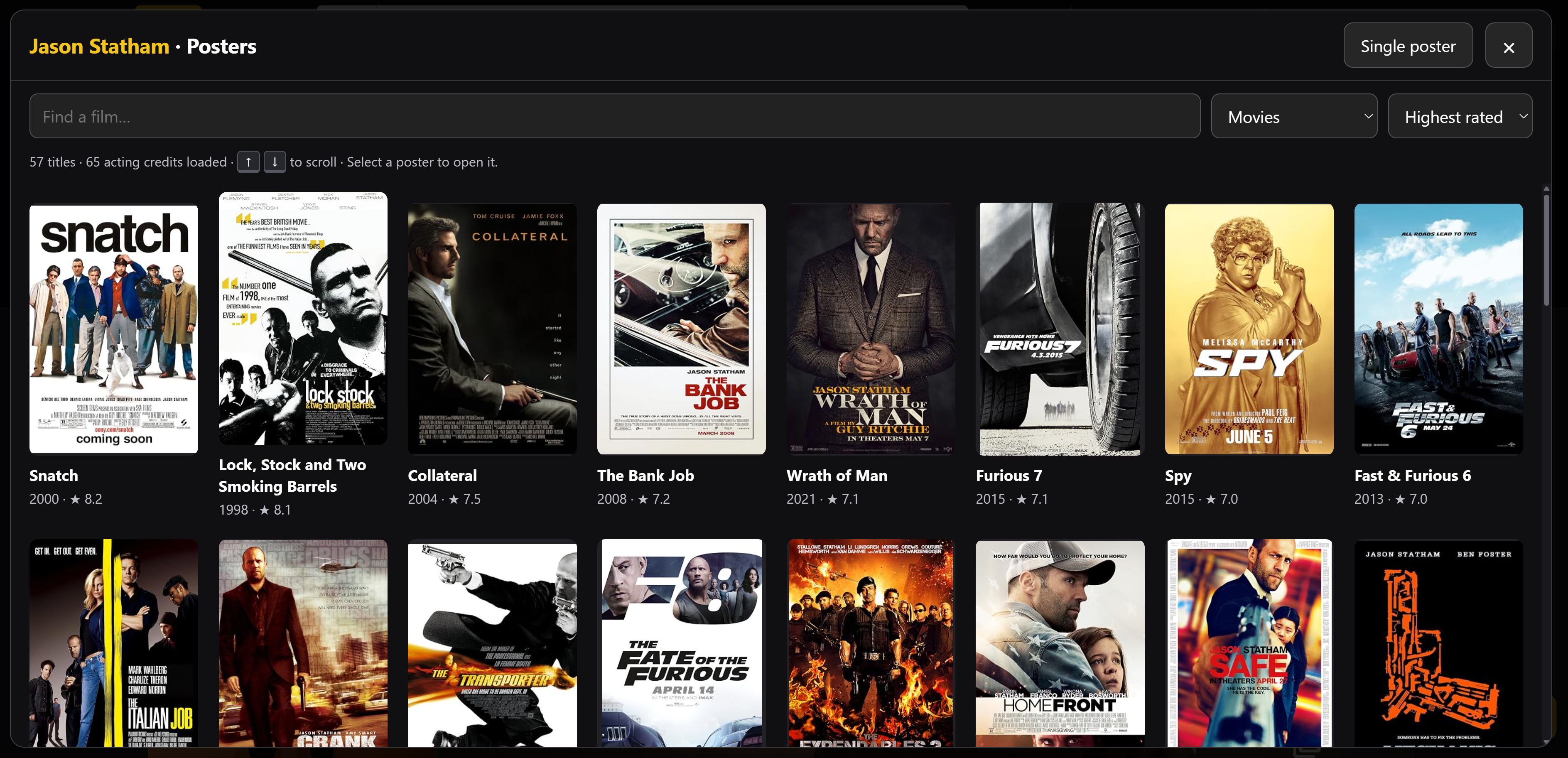
See films together in a poster grid, or browse one at a time with arrow keys and swipes. Open any title on IMDb for more.
Search by title, filter acting credits, and sort by year, name, or highest rating. Remaining acting credits load automatically when you open the browser.
A dark interface with IMDb yellow, a themed scrollbar, and clear title and year placeholders when a poster is missing.
Get started
Install Tampermonkey once, then add the script. You’ll find a new Browse posters button on IMDb actor pages.
Read the full guide ↗Type chrome://extensions in Chrome’s address bar. Find Tampermonkey, open Details, and enable Allow User Scripts.
Copy the script below. Open Tampermonkey from Chrome’s Extensions menu and select Create a new script…. Replace all the example code with the copied script, then press Ctrl + S.
Download the script insteadOpen or refresh an actor’s IMDb page and click Browse posters in the bottom-right corner. The poster grid opens by default. Select any poster to view it on its own.